
Files, folders and digital organisation
Apply the concepts in “Files, folders and digital organisation” to a guided exercise. Discuss your approach and use feedback to improve the final task.

School Students
Build practical digital skills for school work, collaboration and responsible technology use.
LEARNING FOCUS
Essential IT Skills for Students connects core concepts with guided application. The outline below is a discussion framework; the final syllabus is agreed for your learners.
Apply the concepts in “Files, folders and digital organisation” to a guided exercise. Discuss your approach and use feedback to improve the final task.
Apply the concepts in “Documents, spreadsheets and presentations” to a guided exercise. Discuss your approach and use feedback to improve the final task.
Apply the concepts in “Finding and evaluating information” to a guided exercise. Discuss your approach and use feedback to improve the final task.
Apply the concepts in “Online communication and privacy” to a guided exercise. Discuss your approach and use feedback to improve the final task.
Apply the concepts in “A practical digital project” to a guided exercise. Discuss your approach and use feedback to improve the final task.
PRACTICE & FEEDBACK
A digital portfolio containing a document, a simple spreadsheet and a presentation..
FOR YOUR INSTITUTION
School students building foundational computer confidence.
Workshop, modular course or institutional pathway. Hours and batch structure are agreed after the needs discussion.
Confirm prerequisites, trainer availability, venue, equipment and any specialist supervision needed for practical work.
Agree attendance, practical tasks, feedback and certificate terms in writing before delivery.
YOUR QUESTIONS
School students building foundational computer confidence.
Files, folders and digital organisation, Documents, spreadsheets and presentations, Finding and evaluating information, Online communication and privacy, A practical digital project.
Discuss a workshop, a modular course or a longer institutional pathway. The delivery mode, hours and trainer availability are confirmed in your proposal.
A digital portfolio containing a document, a simple spreadsheet and a presentation.. Assessment criteria and the feedback format are agreed before delivery.
Yes. Share the batch profile, current skill level, language preferences and learning objectives so the proposed activities and examples can be adapted.
Requirements depend on the final learning plan. Confirm room layout, display and audio equipment, devices, software, workshop space or outdoor arrangements before booking.
Certificate availability, the issuing organisation, attendance requirement and assessment criteria must be confirmed in the proposal. No external accreditation or professional licence is implied.
Email info@siegergroups.com with your institution name, essential it skills for students requirement, learner profile, batch size, preferred dates and location.
CONTINUE EXPLORING
School Students
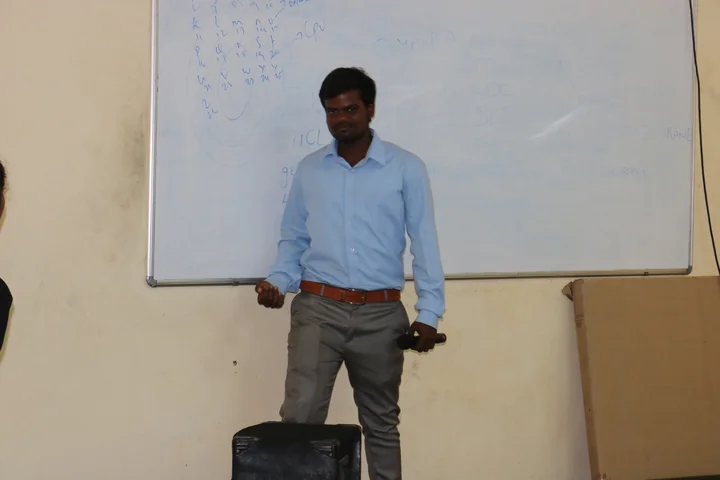
Help students find their voice, recognise their strengths and participate with confidence. Activities are adapted to age, language comfort and the school’s learning priorities.
Explore the program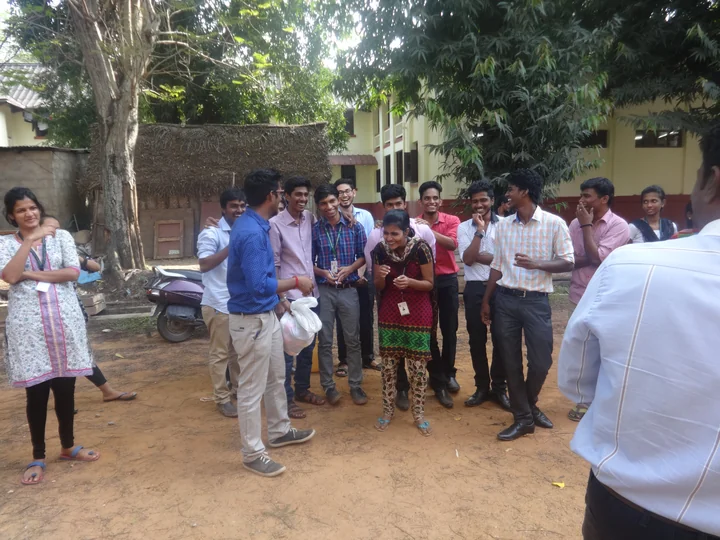
School Students
Connect outdoor experiences with cooperation, responsibility and reflection. Activity selection must follow an agreed age profile, venue assessment and supervision plan.
Explore the program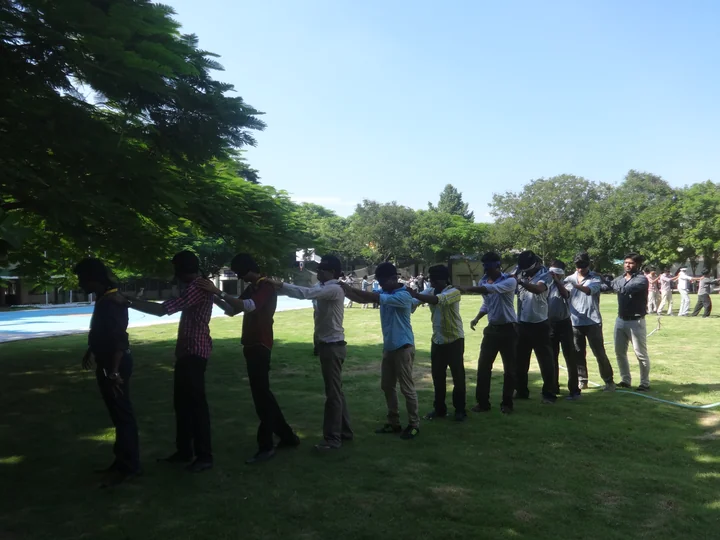
School Students
Create a purposeful school-break experience combining creative expression, communication, discovery and group participation.
Explore the programLET’S BUILD YOUR LEARNING PLAN
Tell us the audience, learning priorities, batch size and preferred dates. Let’s shape the next step together.
ENQUIRE WITH SIEGER ACADEMY
Share your institution, learner profile, training priorities and preferred dates. We’ll discuss a programme that fits your students and academic calendar.
Enquiries are handled through our Academy form. Privacy information