
User needs and app briefs
Identify a small problem an app could help with and describe the intended user. Write a simple brief that separates essential behaviour from optional features.

School Students
Turn a student-friendly idea into an app prototype. Learners explore user needs, screens, interaction logic and testing using tools suited to their age and the school’s devices.
LEARNING FOCUS
App Design & Development Fundamentals connects core concepts with guided application. The outline below is a discussion framework; the final syllabus is agreed for your learners.
Identify a small problem an app could help with and describe the intended user. Write a simple brief that separates essential behaviour from optional features.
Sketch screens and connect them into a clear task flow. Use readable text, understandable labels and useful feedback when a user makes a choice or enters information.
Connect a tap or other event to an action. Use a variable for changing information and a condition to control how the app responds to different situations.
Build the core interaction in a school-approved environment. For younger learners, a visual or no-code tool can introduce app logic before text-based programming.
Ask another learner to attempt the app’s main task and record confusing steps or errors. Discuss permission requests, personal data and what the prototype should avoid collecting.
PRACTICE & FEEDBACK
A simple app prototype with a screen flow, test observations and a short explanation of its purpose.
GETTING STARTED
Basic digital literacy. The institution agrees suitable app-building tools, devices, account permissions and age-appropriate activities before delivery.
Assess the core user task, clarity of navigation, working interaction logic, privacy choices and the learner’s explanation of changes after testing.
The institution and trainer agree the final rubric, attendance requirement and feedback format before delivery.
FOR YOUR INSTITUTION
School students ready for an age-appropriate introductory app project.
Workshop, modular course or institutional pathway. Hours and batch structure are agreed after the needs discussion.
Confirm prerequisites, trainer availability, venue, equipment and any specialist supervision needed for practical work.
Agree attendance, practical tasks, feedback and certificate terms in writing before delivery.
YOUR QUESTIONS
School students ready for an age-appropriate introductory app project.
User needs and app briefs, Screen flows and accessible interface choices, Events, variables and decision logic, Prototype development with an agreed tool, Testing, privacy and project demonstration.
A simple app prototype with a screen flow, test observations and a short explanation of its purpose.
Basic digital literacy. The institution agrees suitable app-building tools, devices, account permissions and age-appropriate activities before delivery.
Discuss a workshop, a modular course or a longer institutional pathway. The delivery mode, hours and trainer availability are confirmed in your proposal.
Assess the core user task, clarity of navigation, working interaction logic, privacy choices and the learner’s explanation of changes after testing.
Yes. Share the batch profile, current skill level, language preferences and learning objectives so the proposed activities and examples can be adapted.
Requirements depend on the final learning plan. Confirm room layout, display and audio equipment, devices, software, workshop space or outdoor arrangements before booking.
Certificate availability, the issuing organisation, attendance requirement and assessment criteria must be confirmed in the proposal. No external accreditation or professional licence is implied.
Email info@siegergroups.com with your institution name, app design & development fundamentals requirement, learner profile, batch size, preferred dates and location.
CONTINUE EXPLORING
School Students
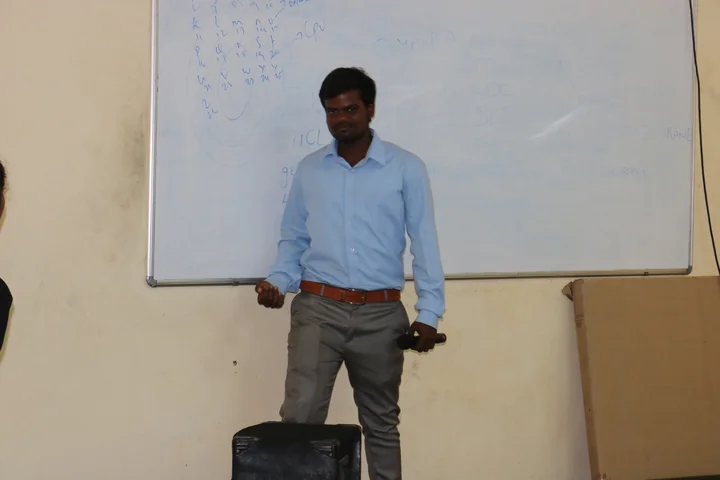
Help students find their voice, recognise their strengths and participate with confidence. Activities are adapted to age, language comfort and the school’s learning priorities.
Explore the program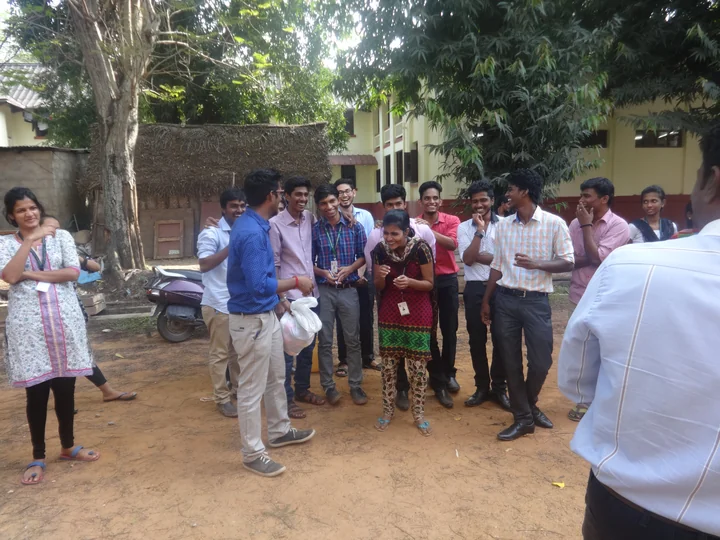
School Students
Connect outdoor experiences with cooperation, responsibility and reflection. Activity selection must follow an agreed age profile, venue assessment and supervision plan.
Explore the program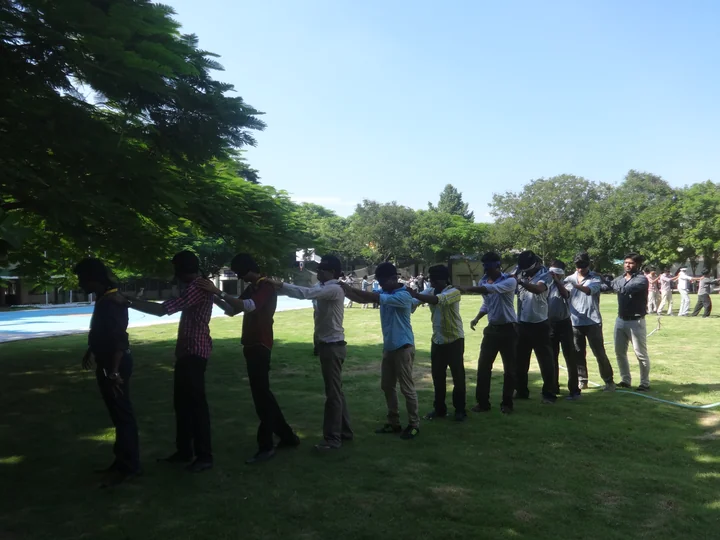
School Students
Create a purposeful school-break experience combining creative expression, communication, discovery and group participation.
Explore the programLET’S BUILD YOUR LEARNING PLAN
Tell us the audience, learning priorities, batch size and preferred dates. Let’s shape the next step together.
ENQUIRE WITH SIEGER ACADEMY
Share your institution, learner profile, training priorities and preferred dates. We’ll discuss a programme that fits your students and academic calendar.
Enquiries are handled through our Academy form. Privacy information